Trusted by South African parents of non-verbal children
 MADE FOR SOUTH AFRICAN FAMILIES
VoiceFirst AAC Device — Every Word One Press Away
VoiceFirst AAC Device — Every Word One Press Away
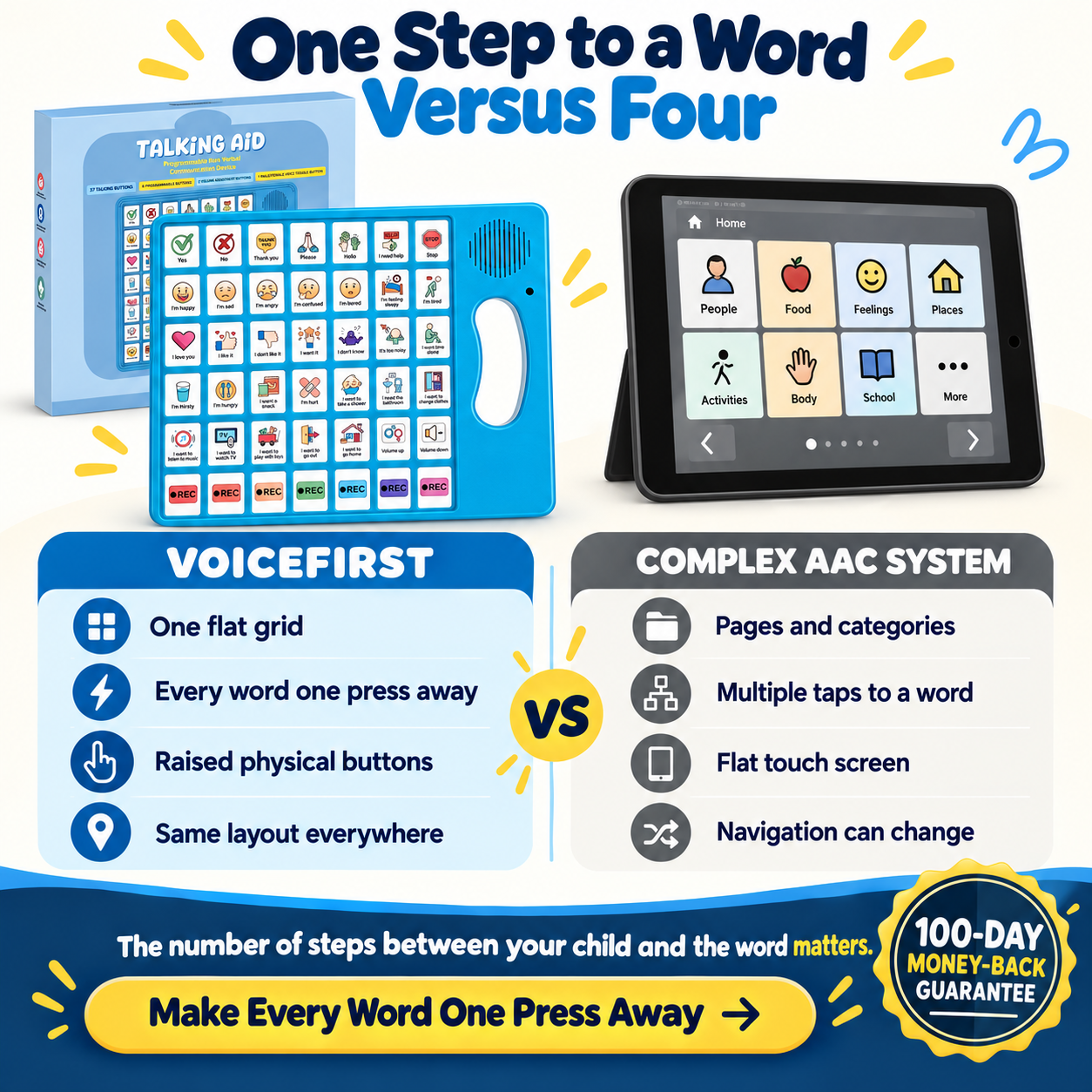
Your child's funded device may be too complex not because of your child — but because every word requires three presses through a hierarchy built for the long term, not for today.
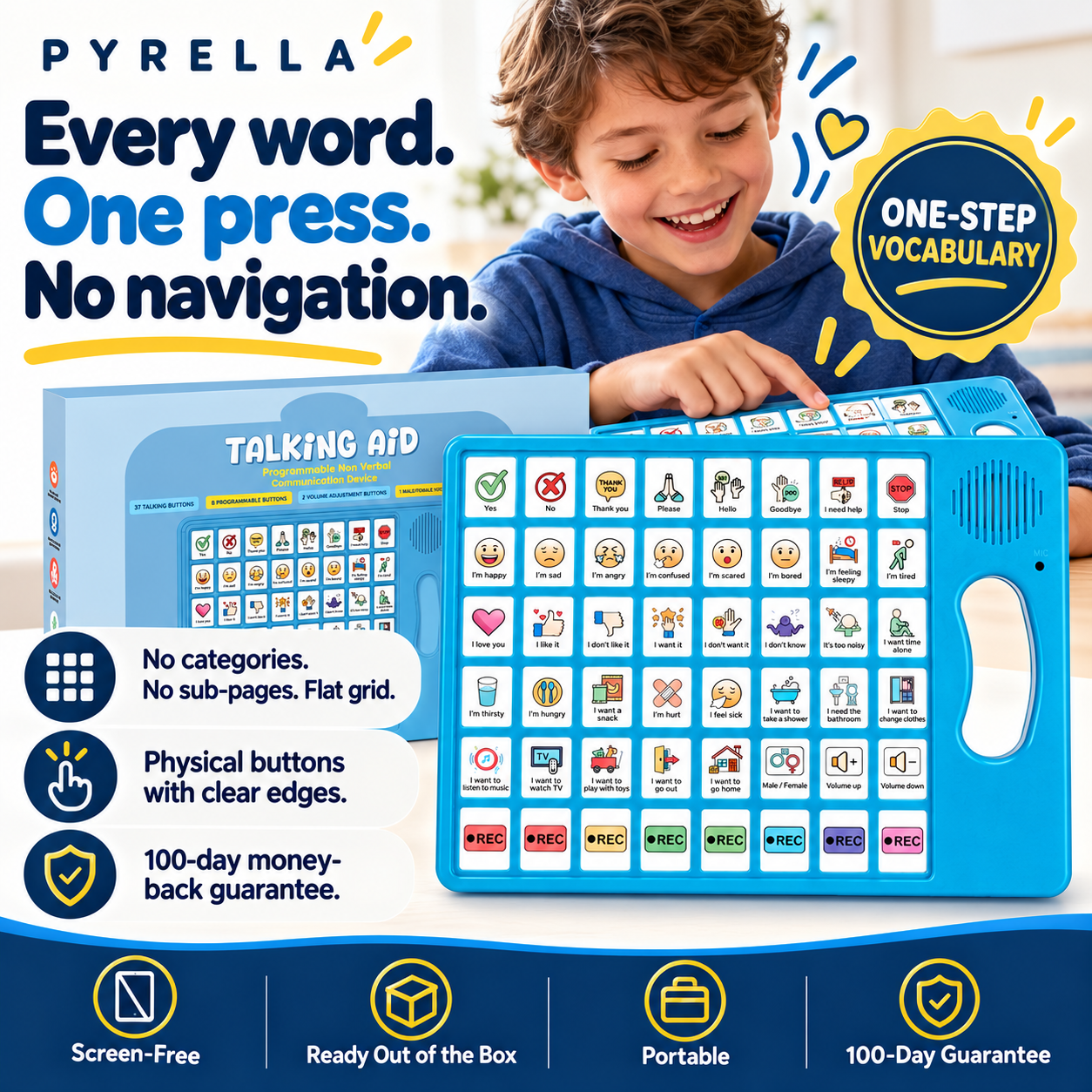
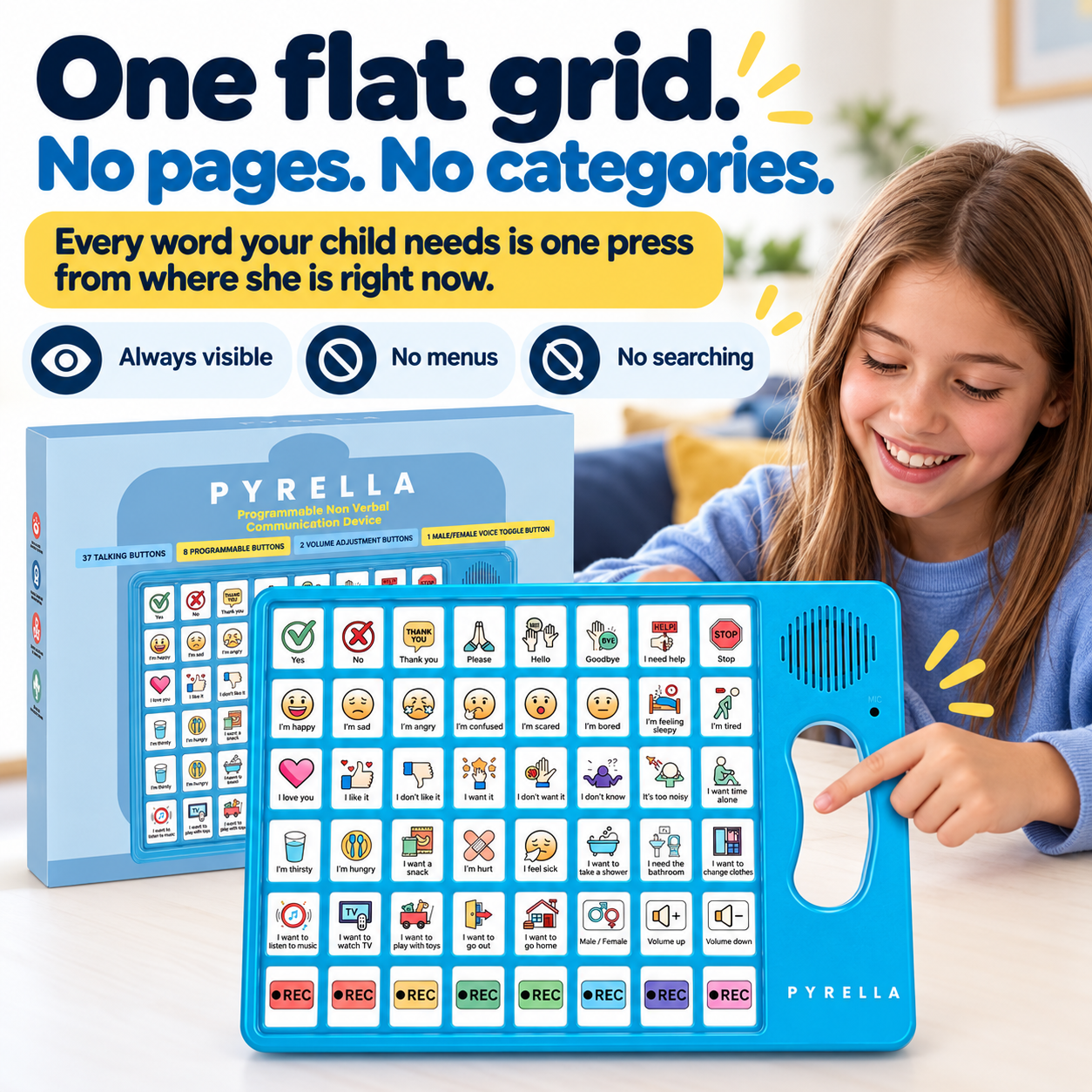
- Flat grid — every word one press from the surface, no categories, no sub-pages
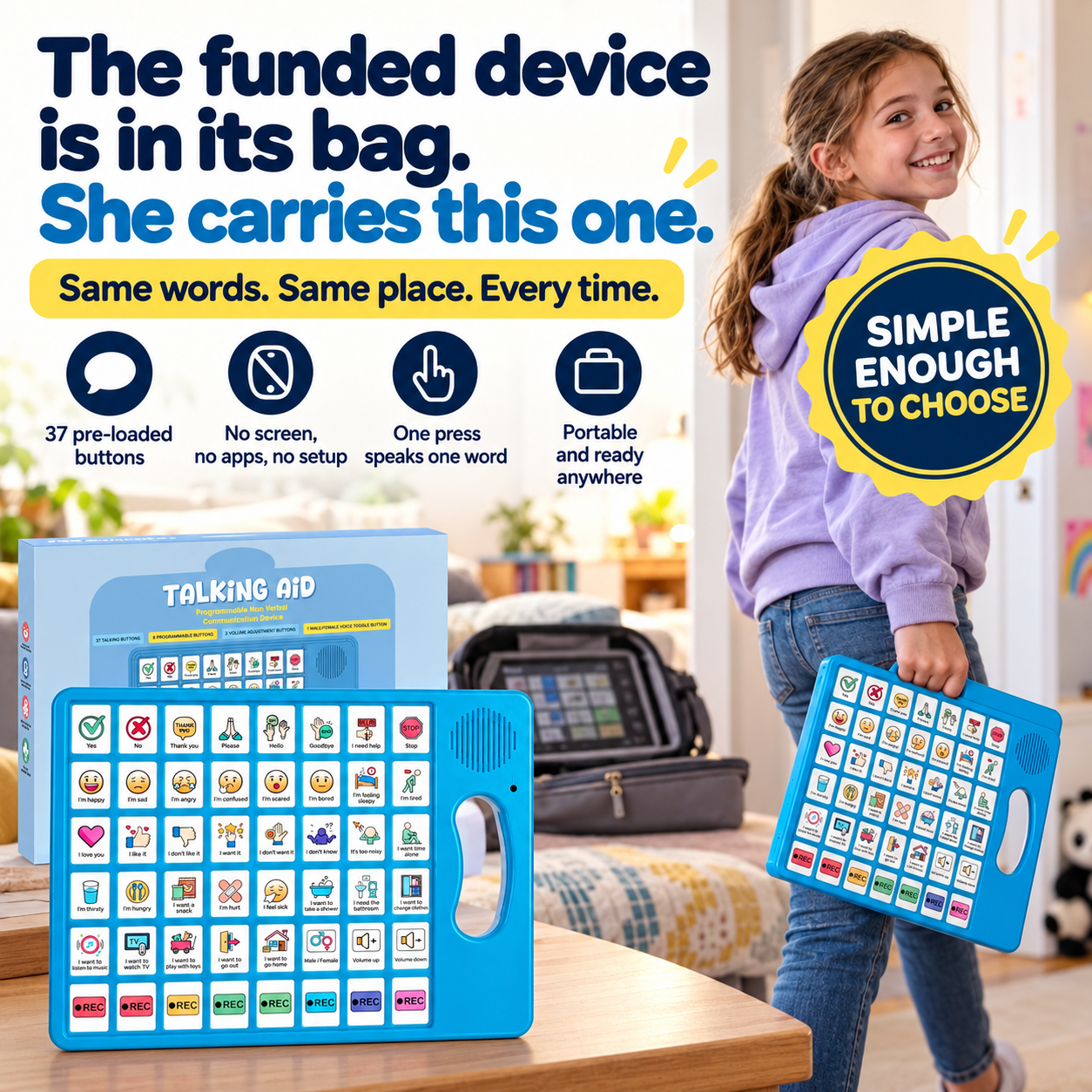
- An 11-year-old who refused her funded AAC device now carries this one room to room
- Same simplicity at home and school — no switching cost, no reconfiguration
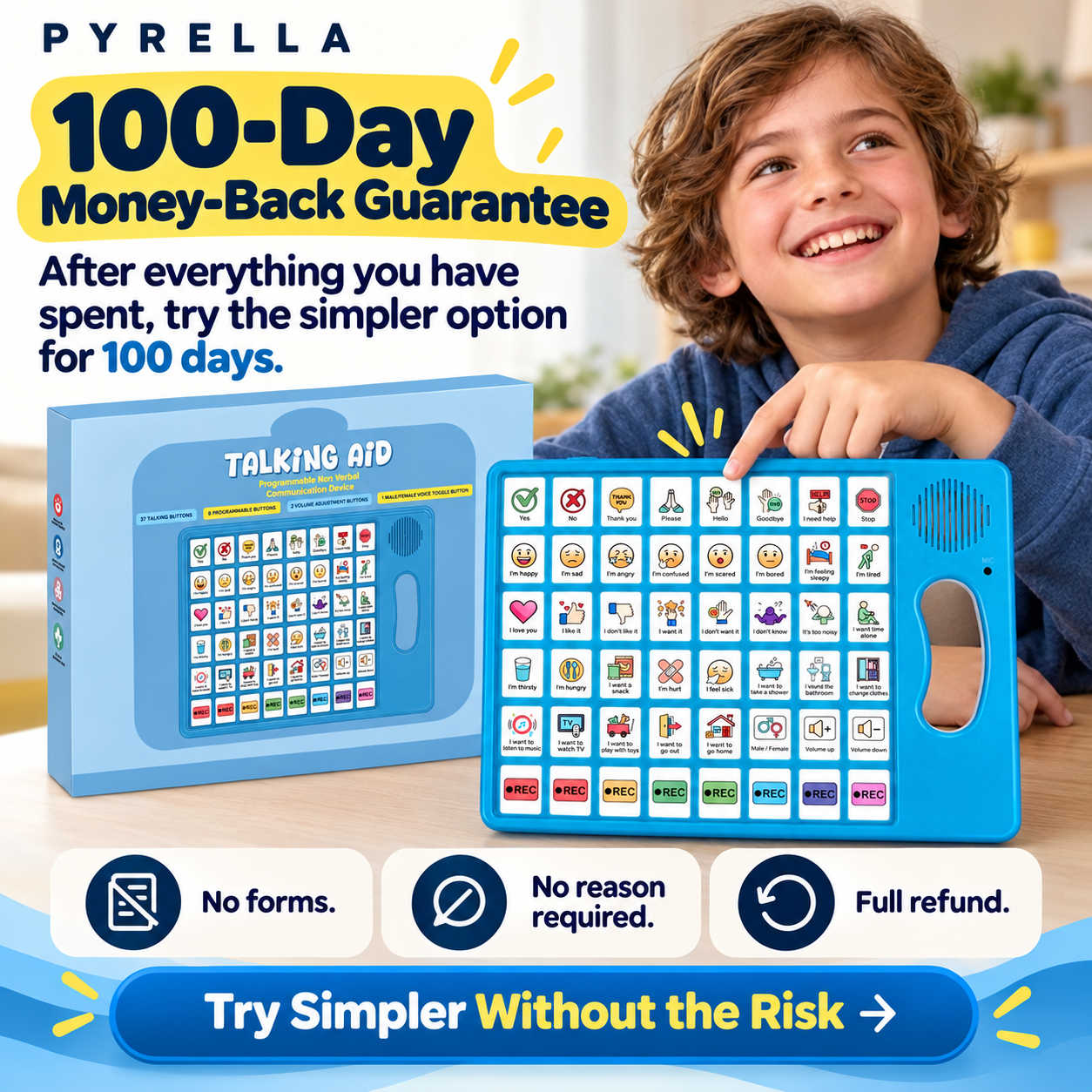
- 100-day guarantee. After everything you've spent, this is the first time someone backed their product with that.
"Our 11 year old L3 non verbal girl has a very complicated AAC device that she usually won't use. She has been using this and communicating more than she had with her more complicated one." — C. Nicol, verified buyer
We recommend the Future Proof Bundle because the same flat-grid simplicity at home and at school removes the cognitive switching cost — your child doesn't need to relearn the device between environments.
Secure checkout powered by
100-day money-back guarantee
Try the VoiceFirst AAC Device for 100 days. If for any reason you are not satisfied — no reason required — contact us for a full refund. No forms, no hoops, no waiting. One hundred days from the day your order arrives.
Why an iPad or AAC app alone may not be enough
An iPad is a computer. A computer can always become YouTube, games, or something else. AAC apps require navigation across categories, sub-pages, and menus — often three to five presses before a word is reached. For many non-verbal children, that navigation is the barrier, not the motivation. The VoiceFirst device has no screen, no app store, and no navigation layers. Every word is one press from the surface. The child cannot get lost in it because there is nothing to get lost in.
Benefits
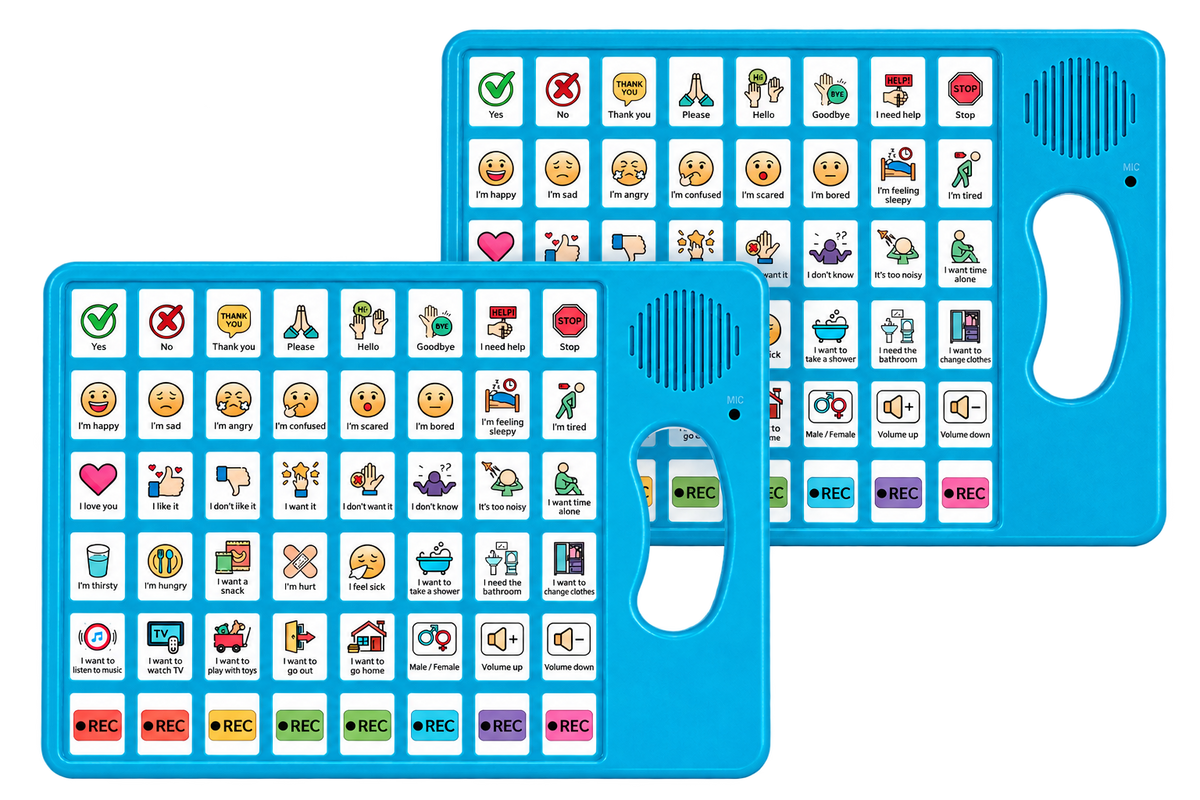
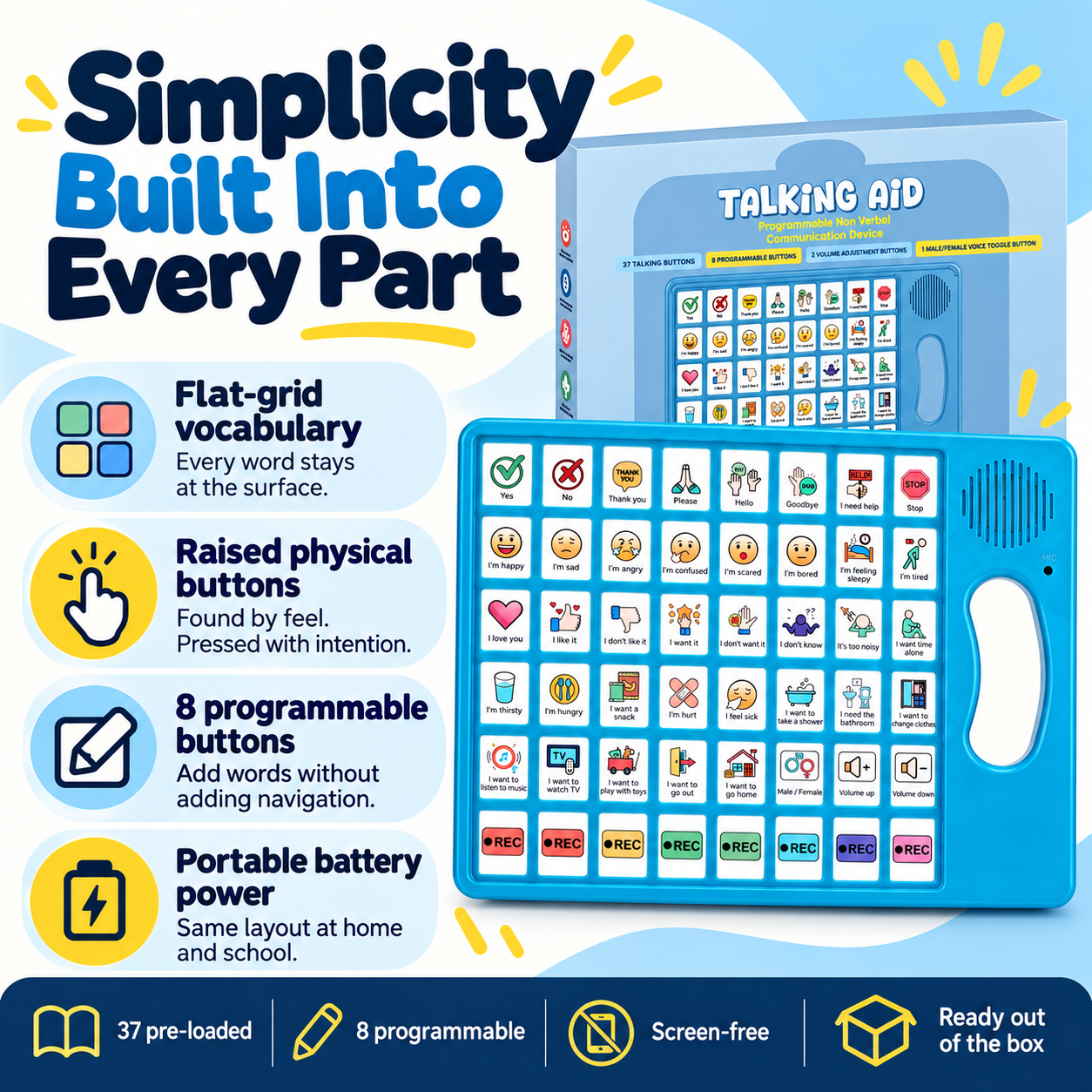
37 picture-and-word buttons cover the emotional and daily vocabulary your child needs most — including "I love you," "I'm happy," "I'm scared," "Stop," "Help," "Hungry," and "Hurt." 8 programmable buttons let you record any phrase in your own voice. No screen means no distraction. Physical buttons are accessible even under distress. Works immediately — open the box and press a button.
How to Use
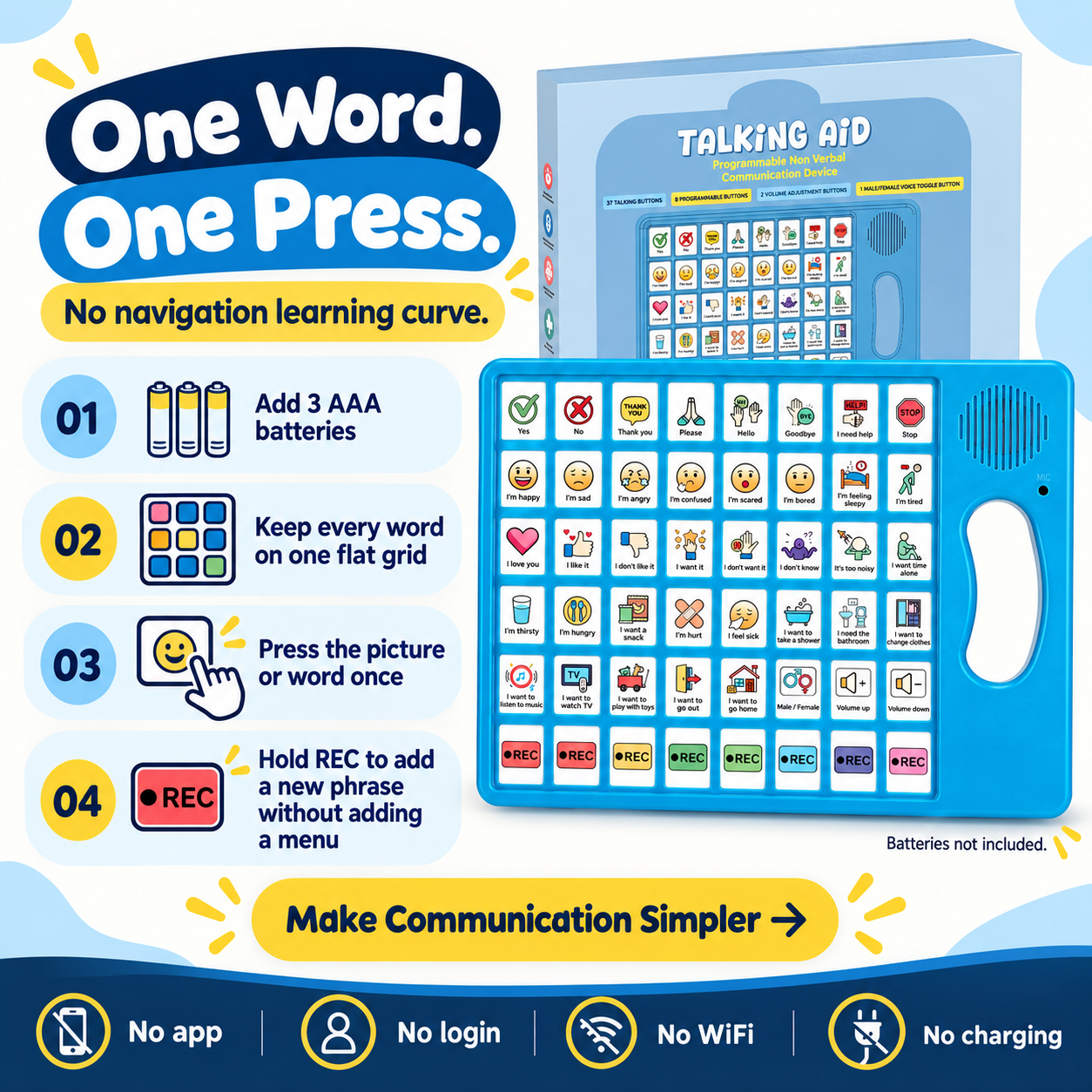
Press any button once to hear the pre-loaded word or phrase. To record a custom phrase on a programmable button: press and hold the button until you hear a tone, speak your phrase, then release. Adjust volume using the volume control. Runs on 3 AAA batteries (not included). Includes a velvet carry pouch. No charging, no WiFi, no app required.
Should my child use the VoiceFirst AAC Device?
The device is appropriate for children aged approximately 2 and older who are non-verbal or minimally verbal. It has been used by parents of children with autism spectrum disorder, speech delay, and Down syndrome. It is also used for non-verbal adults following stroke or acquired conditions. If your child is currently working with a speech-language therapist, this device can be used alongside your existing programme. It does not replace formal AAC therapy.
Full Specifications
37 pre-loaded picture-and-word buttons (emotional vocabulary + daily needs); 8 programmable buttons (record in your own voice); 3 navigation/function buttons; adjustable volume control; battery powered (3 AAA batteries, not included); includes velvet carry pouch; no screen, no WiFi, no Bluetooth, no charging required; suitable from approximately age 2.
What ages can use the VoiceFirst AAC Device?
Appropriate from approximately age 2. The physical button design suits children who are not yet able to navigate touch screens reliably. Older children and non-verbal adults have also used it successfully — verified reviews include an 11-year-old and an adult stroke patient.
When will I see results?
Every child is different. Some parents report their child pressing buttons independently within the same session. Others take days or weeks of consistent exposure. The device does not replace formal AAC therapy, and we cannot predict how any individual child will respond. What we can say is that the 100-day guarantee gives you a full three months to observe whether it makes a meaningful difference in your household.
What if my child has sensory sensitivities?
The buttons require a direct press — they are not activated by light touch, which reduces accidental activations for some children. Volume is adjustable. If your child has specific sensory concerns, the 100-day guarantee means there is no financial risk in trying it at home.
Can caregivers, teachers, and therapists use it too?
Yes. Multiple verified buyers report using the device in school, therapy sessions, and preschool settings. Speech therapists have approved it in clinical sessions (per customer reviews). The Future Proof Bundle provides two devices — one for home and one for school — so caregivers and teachers share the same vocabulary.
How long should we use it?
There is no maximum. The device is not a starter product that needs to be replaced — it is a communication tool that works alongside your child's ongoing development. Parents whose children later received funded formal AAC devices continued to use this one for its portability and simplicity.
Shipping Times
MISSING — NEEDS INPUT: confirmed SA shipping times and courier
100-Day Easy Returns
If for any reason you are not satisfied within 100 days of receiving your order, contact us for a full refund. No reason required. No forms. Contact us once and we handle it.


From parents whose children refused the complicated device


Your Child's Communication Journey — Where Complexity Stepped Back
Every child responds differently. This is a guide, not a promise.
Place it where the funded device used to be
Put VoiceFirst in the same environment. Same child, same context, different navigation requirement.
Observe the choice
Does she reach for it? Does she press a button without being asked? Any unsolicited interaction is data. The data tells you whether the barrier was always navigation.
Same device, every environment
Future Proof Bundle: same flat grid at home and at school. Teacher and parent share the same vocabulary. No switching cost.
The evidence is the evidence
After 100 days, you know. If the pattern hasn't changed, contact us for a full refund.
Customers who tried it first
These are verified reviews from real customers. We do not invent results.
“It is a basic design but the voice is clear. Our 11 year old L3 non verbal girl has a very complicated AAC device that she usually won't use. She has been using this and communicating more than she had with her more complicated one. She even carries it room to room and sits to play with her brothers.”C. Nicol
“We own multiple iPads as AAC talkers that were way pricey, hard to get and too complicated to use. This is just the right amount to start. We bought two more for preschool use!”Sandra Dee
“Works well for a non verbal student in my classroom who cannot have an iPad. Overall pretty good buy.”Samarah (teacher)
“Absolutely love this product. Easy to use, custom buttons and volume adjuster. My son is on the spectrum and non verbal. It is very easy for him to communicate now!”Anthony Flores
Why parents choose VoiceFirst
| Criterion | VoiceFirst AAC Device | Formal Funded AAC Device |
|---|---|---|
| Presses to reach a word? | One. Flat grid. Every word at the surface. | Typically 3–5+ (category → sub-category → word). |
| Navigation hierarchy required? | No. Single flat grid, no page navigation. | Yes — vocabulary across categories, pages, and levels. |
| Setup before first use? | No — pre-loaded, ready from first press. | Yes — SLP calibration and vocabulary programming required. |
| Portable without charging? | Yes — 3 AAA batteries, no cable, taken anywhere. | Often mount-dependent or requires charging. |
| Risk if lost or broken? | A simple portable device. | Often R30 000–R100 000+ replacement. |
| Does the child actually use it? | Verified: 11-year-old who refused the complex device carries this one room to room. | Your child's funded device may be in its bag. |
What parents notice
These outcomes come from verified Amazon reviews. They describe individual experiences. Results vary and are not guaranteed.
Used this more than the complex funded device
"She has been using this and communicating more than she had with her more complicated one." — C. Nicol, L3 non-verbal 11-year-old.
Carries it room to room — independent, unsolicited, daily
"She even carries it room to room and sits to play with her brothers while using it." — C. Nicol. A child who claims a device and carries it unprompted is a child for whom the barrier has been removed.
Approved in a classroom for a student who cannot use an iPad
"Works well for a non verbal student in my classroom who cannot have an iPad." — Samarah, teacher, verified buyer.
Two things inside the device. Both matter.
37 Pre-loaded picture-and-word buttons
Functional form: Physical press buttons, picture symbol + printed word label on each. What it does: Provides immediate access to emotional and daily vocabulary — "I love you," "I'm happy," "I'm scared," "Stop," "Help," "Hungry," "Hurt," and 30 more — from the first press, with no programming required. Why it matters: Most AAC apps require a therapist to configure vocabulary before a child can use emotional language. These buttons are there the moment the box is opened.
8 Programmable buttons
Functional form: Press-and-hold to record in any voice, any language. What it does: Adds phrases that are specific to your child's daily needs and your family's vocabulary. "I want pizza," "I need quiet," "Call Mum" — in the voice your child responds to best. Why it belongs alongside the first: The pre-loaded vocabulary covers the universal words. The programmable buttons cover the specific ones. Together they cover the full range of what your child needs to communicate on any given day.
TRY IT FOR 100 DAYS — IF THE NAVIGATION IS THE BARRIER, THIS REMOVES IT
The funded device was built to be comprehensive. That is its strength. It is also why it is in a bag.
A device designed to grow with your child is always one navigation level ahead of where your child is today. Every word requires three presses through a hierarchy. For many children, that hierarchy is the barrier — and a child who cannot speak cannot tell you that the tool is the problem.
This device is not comprehensive. It is flat. Every word is one press from the surface. A child who has refused a complex funded device for two years may use this the same afternoon — because the barrier is gone.
VoiceFirst is not a replacement for the funded device. It is the thing that might actually get used while you keep working with it.
Try it for 100 days. If the pattern doesn't change, contact us for a full refund.
100-day money-back guarantee. No reason required.